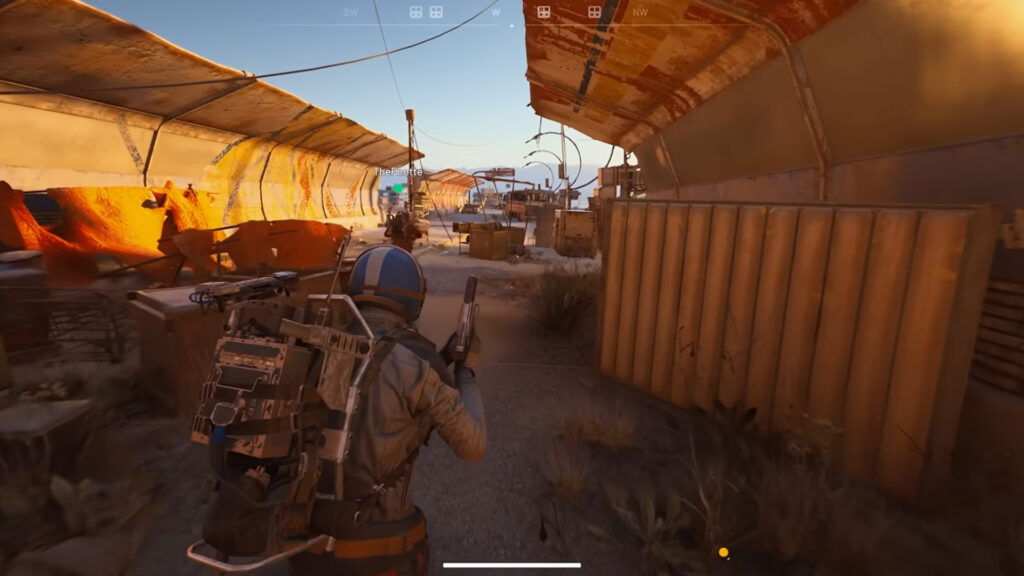
Arc Raiders officially releases on October 30, 2025, to deliver a brand new shooter experience. Now, since it is a shooter to the core, performance plays a big role. If you get lower FPS, chances are you might lose a gunfight, which would be bad for you. So, we’ve created this guide to help you get the best performance out of your system while playing Arc Raiders.
Best Graphics Settings To Use for Arc Raiders
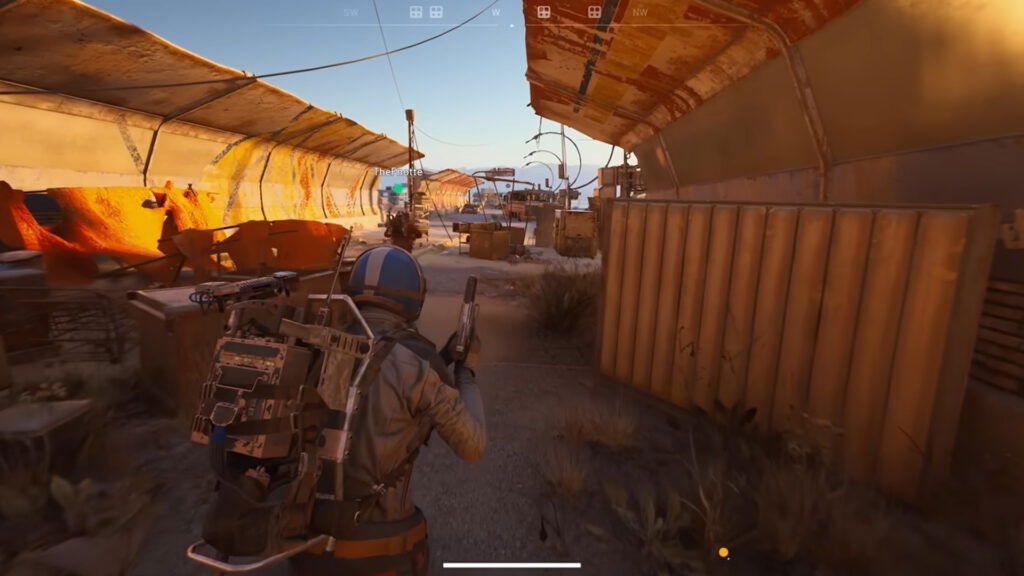
If you want the best performance out of Arc Raiders, it’s best that you use the lowest graphics settings. These are the best settings we’ve found by using RTX 2060 Super during the beta phase. Use the table below for your reference.
| Graphics Settings | Modifier | Why You Should Use It? |
|---|---|---|
| Resolution | 1920×1080 | If your GPU can handle it, you can set the resolution higher. |
| VSync | Disabled | This uses extra GPU resources. |
| Resolution Scaling Method | AMD FSR 3 | If you have a higher solution monitor, use it. |
| AMD FSR 3 Quality | Balanced | This provides good graphics with enough performance. |
| Motion Blur | Disabled | Turning this setting off will reduce visual blur. |
| Anti-Aliasing | Low | It simply smooths jagged edges. |
| Shadows | Low | If you want, you can turn it up to medium, but low is fine. |
| Post-Processing | Low | Adds extra pressure on the GPU; try to keep it low. |
| Texture | Low | Eats less VRAM, which is better for your performance. |
| Effects | Low | Eases GPU usage by reducing additional effects rendering. |
| Reflections | Low | Uses fewer resources to render reflection on surfaces. |
| Foliage | Low | Foliage rendering takes up fewer GPU resources. |
| Global Illumination Resolution | Low | Uses lower resolution for global lighting. |
If your GPU is capable enough, you can change certain parameters to medium. For instance, texture, post-processing, and shadows. This will help you notice enemies far off and help you survive in the game better.
How To Fix Stuttering in Arc Raiders
In case you’re facing visual stutter or lag in Arc Raiders, it could be due to various reasons. At first, it’s best to update your graphics drivers, which could save you a lot of hassle. Additionally, please check if your GPU matches the system requirements for the game.
Alternatively, check if you have any background applications running. Since Arc Raiders is CPU-intensive, it’s best to close applications that are using extra resources. That should fix your issue.
Play Free Games . Anytime . Anywhere
Tap a cover; hit Play to continue on FandomWire Gaming.
Those were the best settings you could use to play Arc Raiders. Are you excited to try out the shooter? Share with us in the comments below.
Get Gaming! 🎮 Play free online games at FW Gaming