Like most Roblox games, Dinosaur Simulator also comes with its own set of codes that can be redeemed to obtain a set of in-game items. These range from consumables to cosmetic equips, which can be used at will in the Roblox game.
For those who don’t know already, Dinosaur Simulator is a Roblox-only title created by ChickenEngineer. The game was released on March 19, 2025. As the name implies, Dinosaur Simulator has players taking on the role of a dinosaur as they explore a prehistoric Earth. Having access to codes will most certainly aid you in your journey though, and these will be listed in the sections below.
Active Codes for Roblox Dinosaur Simulator (July 2025)
Here is a list of all active codes in Roblox Dinosaur Simulator, as of July 2025:
| Code | Reward |
|---|---|
| YT1KSUBS | 10,000 DNA |
| SUPERDNA | 25x S-DNA |
| CAMBRIANEXPLOSION | Anomalocaris |
| JELLYDONUT200M | Jelly Joy Concavenator |
| Pokemantrainer | Wyvern |
| drinnk | Pizza Delivery Mapusaurus |
| Burnt Burrito | Yutashu |
| AMERICA | Freedom Eagle Balaur |
| 092316 | Freedom Eagle Balaur |
| 115454 | Chickenosaurus |
| 060515 | Twitter Ornithomimus |
As always, it is recommended to redeem the codes listed above before they ultimately expire. Make sure to bookmark this page for further updates!
Inactive Codes for Roblox Dinosaur Simulator
The following are the inactive codes for Dinosaur Simulator. All the codes mentioned below have expired, and cannot be redeemed further:
| Code | Reward |
|---|---|
| 06066 | Isisauriraptor |
| 401882 | Thanksgiving Gigantoraptor |
| Gravy28571 | Thanksgiving Stegoceras |
| ALIENS | Lil UFO Pteranodon + Alien Irritator |
| LOVEBUG | Love Bug Thalassodromeus |
| COORDINATE | Dream Haze Fresnosaurus |
| MAKESHIPTRIKEPLUSH | Makeship Trike Plush |
| DS400kLIKES | 10,000 S-DNA |
| DS410kLIKES | 10,000 S-DNA |
| Ch1cxulub | Type 1 (Chimerarachne) |
| DS420kLIKES | 10,000 S-DNA |
| BETTERLATETHANSCRAMBLED | 250 Eggs |
How to Redeem Codes in Roblox Dinosaur Simulator
Redeeming codes in Dinosaur Simulator can be a bit challenging, especially for newcomers.
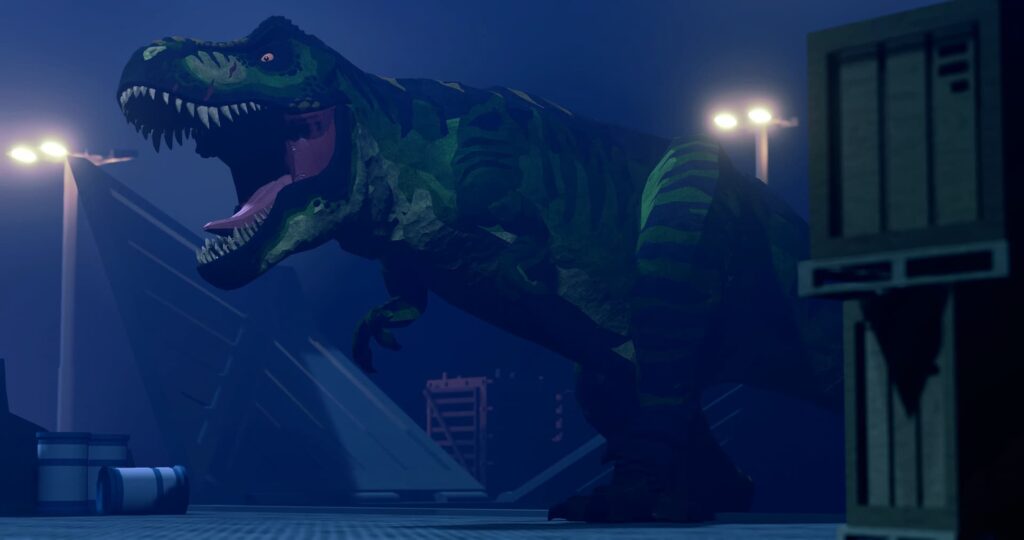
The layout might be a bit too confusing, and you can refer to the guide below for quick and easy navigation:
- Fire up Roblox.
- From the Roblox game app, start Dinosaur Simulator.
- Head on over to the Main Menu.
- Click on the Promo Codes button. This can be found at the bottom of the UI, with a Twitter (now X) icon on it.
- Manually type in or copy-paste a code from the active codes section.
- Hit the Submit button to have the rewards delivered in-game.
Keep in mind that these codes are case sensitive. As such, it is recommended to copy and paste these codes over. Redeem a code, and move on to the next one. You cannot redeem multiple codes at once, so you will have to repeat the entire process.
How to Get More Codes for Roblox Dinosaur Simulator
For starters, you can always bookmark this page for further updates. If there’s a new code out for Dinosaur Simulator, you can be rest assured that the active codes section will have it detailed.
Alternatively, you can also pay a visit to the Unhatched Games Discord server for more updates. Codes should be shared in the announcements tab, along with game updates.
Check out a few of our other codes for Dragon Soul and Dig.
How’s your experience in Roblox’s Dinosaur Simulator so far? Let us know in the comments section down below!